Tapknock Private beta Join the beta

The doorbell you print.

Tape a QR code beside your door and anyone with a phone can ring you from it. No wiring, no drilling, no landlord to ask, and nothing for them to install. A camera on the wall watches your street all day. Tapknock captures nothing until somebody knocks.
Print styles

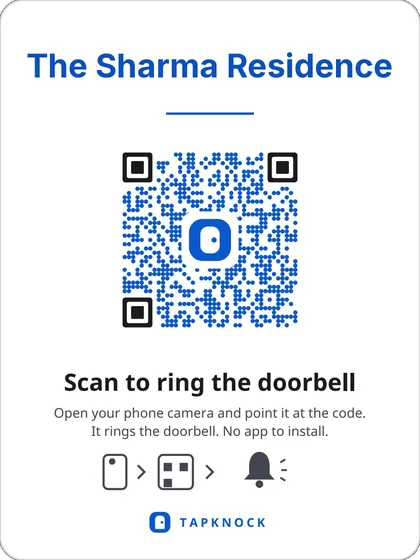
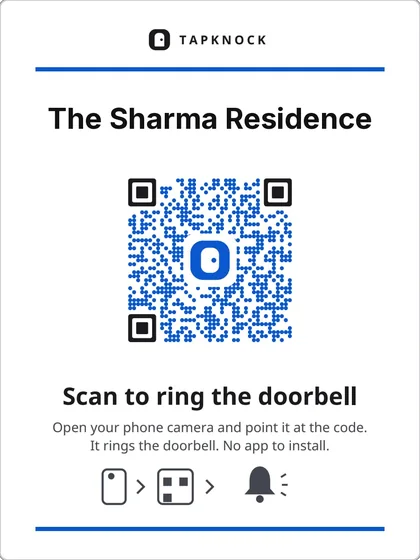
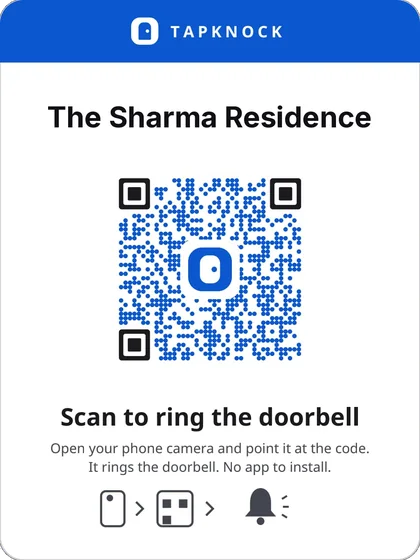
Header band print style
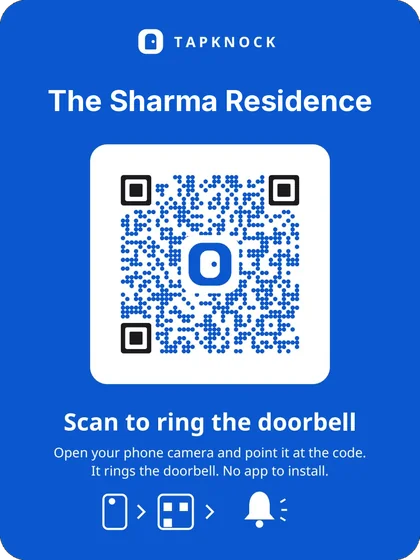
Full blue print style
Blue name print style
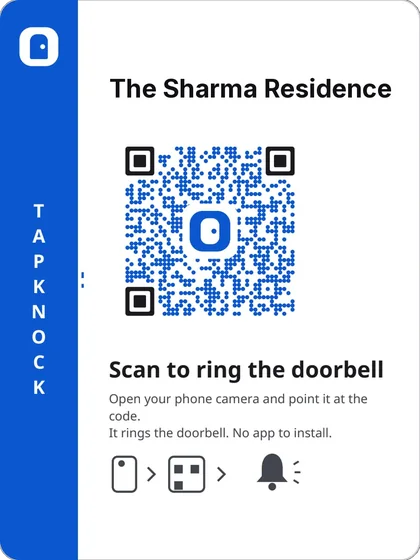
Side band print style
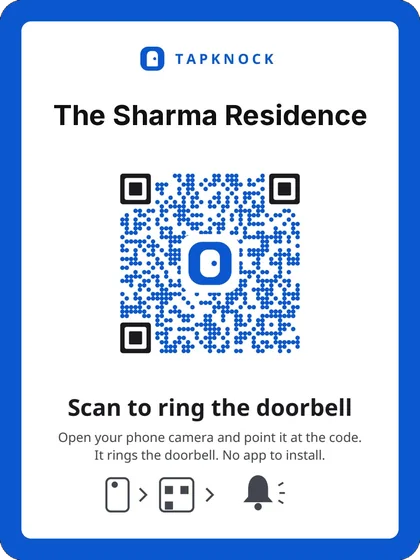
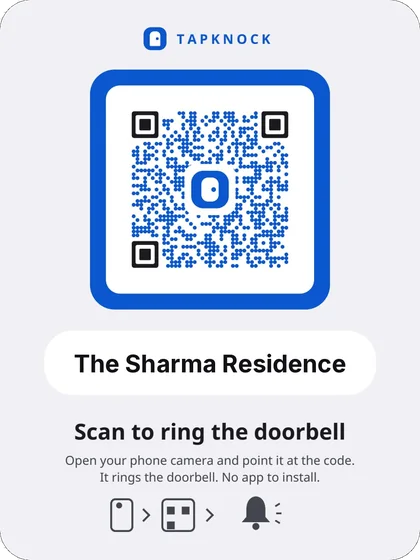
Blue border print style
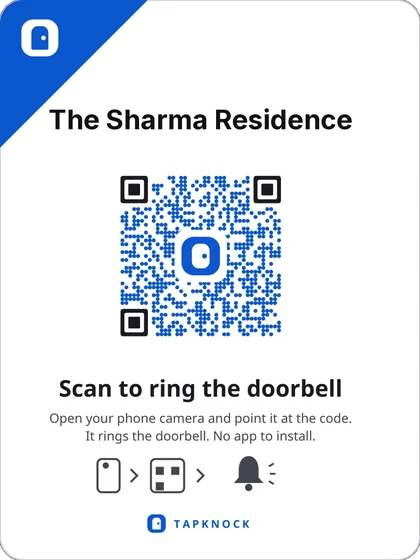
Corner flag print style
Double rule print style
Framed code print style
Nameplate print style
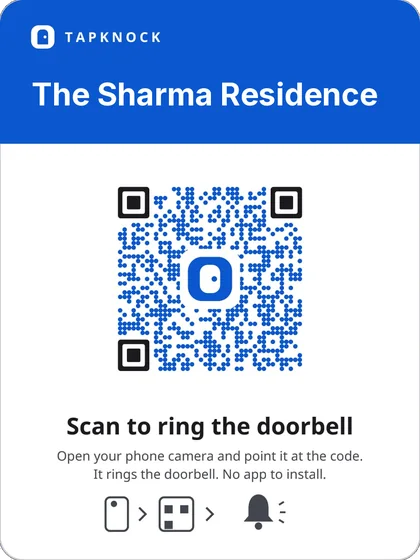
Blue header print style
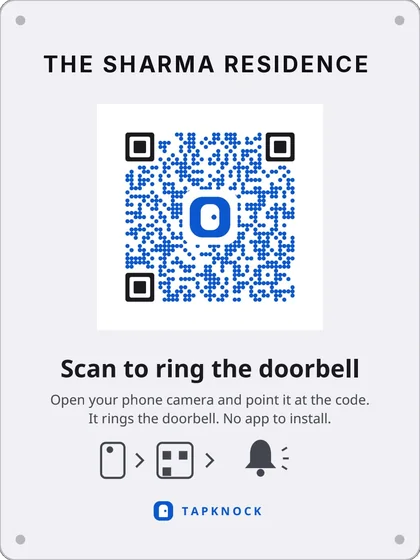
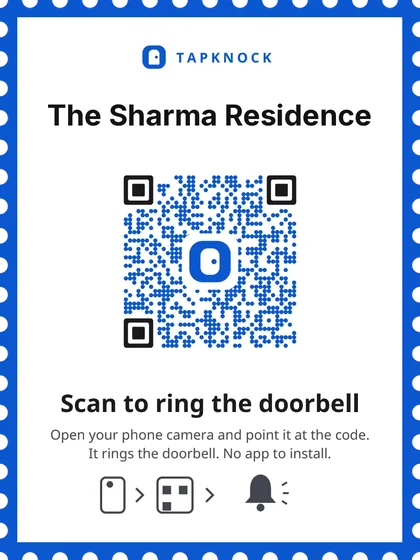
Stamp edge print style
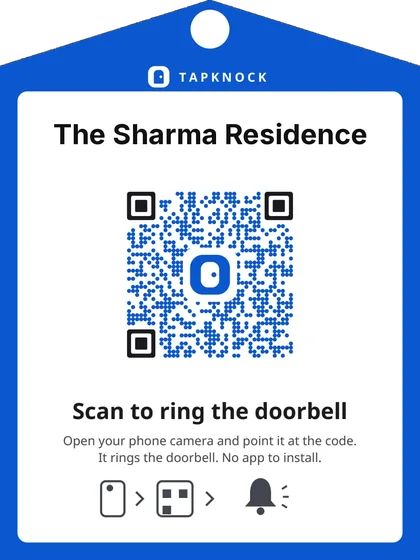
Door tag print style

Header band

A blue strip across the top. Reads as a label from the corridor, so a courier sees the name before he knocks.

Setup

Print it. Tape it. It rings.

The app produces one A4 sheet with cut lines. That sheet is the entire installation.

  1. Step 1

    Print the sheet

    One page, sized and cut-lined for your door. Any printer, any paper.

  2. Step 2

    Tape it beside the door

    Nothing to drill, nothing to wire, nothing to charge. It comes off with the tape when you move out.

  3. Step 3

    Answer from the lock screen

    It rings like a phone call, showing who it is and whether they are really at your door, even with the app closed.

The first thing they see

Most visitors don’t want to talk to you.

A driver paid per drop won’t scan a code to have a conversation. He’ll scan it to find out which gate to use. So the first thing anyone sees is one line you wrote, before the ring button exists at all.

  • Note from the resident

    Parcels → security desk, Block B
  • Note from the resident

    Baby asleep 1–4 pm. Leave a message instead.
  • Note from the resident

    Swiggy: gate code 4402, then 3B
  • Note from the resident

    Shop shut today. Ring only if it’s urgent.

What it costs

What a video doorbell costs you.

Not only in rupees.

A smart doorbell

₹6,000–15,000

  • Drilling, wiring, and a landlord who has to agree
  • Mains power at the door, or a battery to keep charged
  • Records everyone who walks past, all day
  • Usually not allowed in a rental or a PG at all

Tapknock

₹0  or ~₹150 for an NFC card

  • One roll of tape
  • No power at the door, ever
  • Records nobody until somebody knocks
  • Comes off the wall the day you move

Questions

The ones everybody asks.

Does the visitor install anything?

No. Their camera app opens their browser and that is the whole thing. No app, no account, no sign-up.

Can the visitor see me?

Never. Your camera is not hidden or muted; it is never opened. You see and hear them; they only hear you, and they are told so three times before it happens.

What if I don’t answer?

They see the note you left for that case, then can record fifteen seconds or type a message. It waits for you in the ring log.

Someone photographed my code.

Rotate it: one tap and a confirm. The code on your door stops working immediately. Print the new one.

Will it ring on an Android that sleeps apps?

Xiaomi, Oppo, Vivo and Realme all kill background apps. Setup names the exact battery settings for your handset, then sends a test ring so you hear it for yourself before you trust it.

It’s free. How does this survive?

Printing is free and always will be. The paid things are physical: pre-printed NFC cards and weatherproof plates, and a building plan for gates with many flats behind one entrance.

Nothing is watching your door until somebody knocks.

That is the whole difference, and it is not a setting you could switch off by accident. It is how the thing is built.

Android, free. No face recognition, no biometrics, no video that ever reaches a server, and nothing fed into another product.

Beta

Try it before the Play Store does.

The listing is part-way through publishing. You do not have to wait for it: enrol below and a download link is emailed to you straight away. The link works for fifteen minutes.

The download link goes here.